
Victor Saly's own thought, from a text note of 18 November 2026, tidied and structured with AI. The original is kept as written.
It worked for me. Now it works for you.

The idea
Read aloud word for word by an AI voice, Victor Saly. The word being said is underlined; the arrow keys on the line step word by word.
I like to build tools for my own projects. Most of them stay small. Me and a few close colleagues use them, and that is all.
In 2020 I wrote dbschema-markdown. A small command-line tool: it read a SQL Server database and wrote the schema as Markdown. I hooked it to a blog, so I could search the schema of several project databases in one place.
It worked, for us. It never went further.
This month it did. dbtour is the same idea, opened up for anyone. It documents a database from its catalogue and keeps the docs in your repository: Markdown with diagrams, one page you can search, and an MCP server so an agent writes SQL from the real names. If you want it to read the data too, it does that read-only.
Where did AI-assisted development help most? A second database, SQLite, the one I use the least. And the plugs into other tools: the MCP server, the Claude Code plugin, the skill.
What AI did not do is decide. It took several iterations, a lot of preparation, testing and verification. And using it every day.
It worked for me. Now it works for you.
 The road
My side projects usually stay small: me and a few close colleagues. dbtour started that way, in 2020. AI-assisted development is how it became a product anyone can use.
Where it started
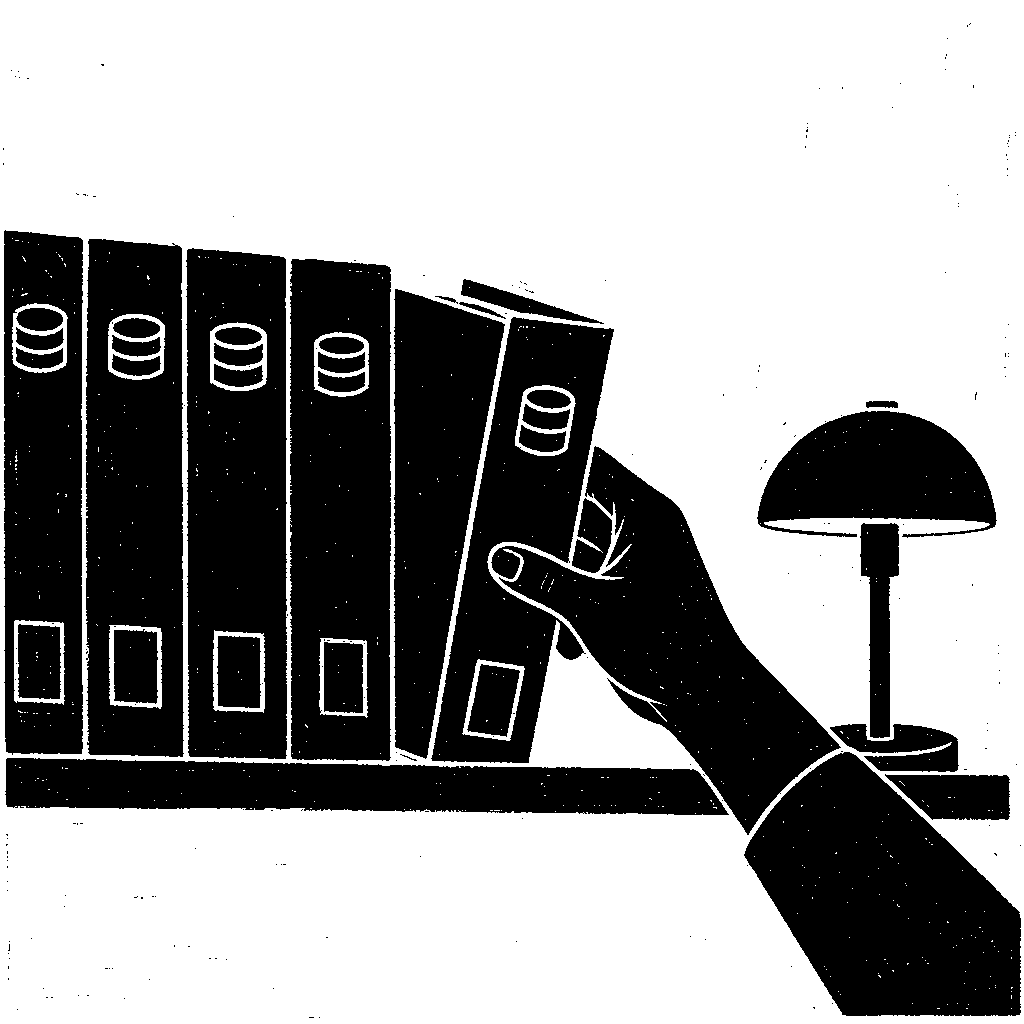
“In January 2020 it was databases: several projects, each with its own SQL Server database.”
Folders with a cylinder mark stand for several projects, each with its own database, and the hand is the first tool reaching for them.
I like to build tools for my own projects.
In January 2020 it was databases: several projects, each with its own SQL Server database. So I wrote dbschema-markdown: a command-line tool that read a database and wrote its schema as Markdown.1
I hooked it to a blog. Every project’s schema in one place, one search box over all of them.
Where it stopped

“It worked, for me and a few close colleagues.”
A lit shed with its door shut shows a tool that works well for a few people and that nobody else ever sees.
It worked, for me and a few close colleagues. That is where my side projects usually stop: they do their job, and nobody else ever sees them.
What changed

The bridge joins the same small shed to a wider settlement, which is the same idea opened up to other people.
On 1 November 2026 I started dbtour. The same idea, opened up.
It reads the catalogue of a database: tables, columns, keys, relations, indexes. It writes what it finds to one model file in your repository. From that file it renders Markdown that GitHub shows with diagrams, and one HTML page you can search, follow relations in and hand to an agent. An MCP server and a Claude Code plugin give an agent the same model, so it writes SQL from the real names.
By 17 November it was version 0.11.0 on npm, after more than a hundred commits.4
Where did AI-assisted development help most? Two places. The first is SQLite, the database I use the least. The second is the plugs into other tools: the MCP server, the Claude Code plugin, the skill, and copying a table for whichever agent you use.
Both are the parts that turn my tool into something other people can pick up.
From a database to docs people and agents use
- Read the catalogueTables, columns, keys, relations, indexes.
- Write one model fileIt lives in your repository, beside your code.
- Render Markdown with diagramsGitHub shows it as it is.
- Render one pageSearch it, follow relations, open the map.
- Hand it to an agentOver MCP, so it writes SQL from the real names.
Where I decided
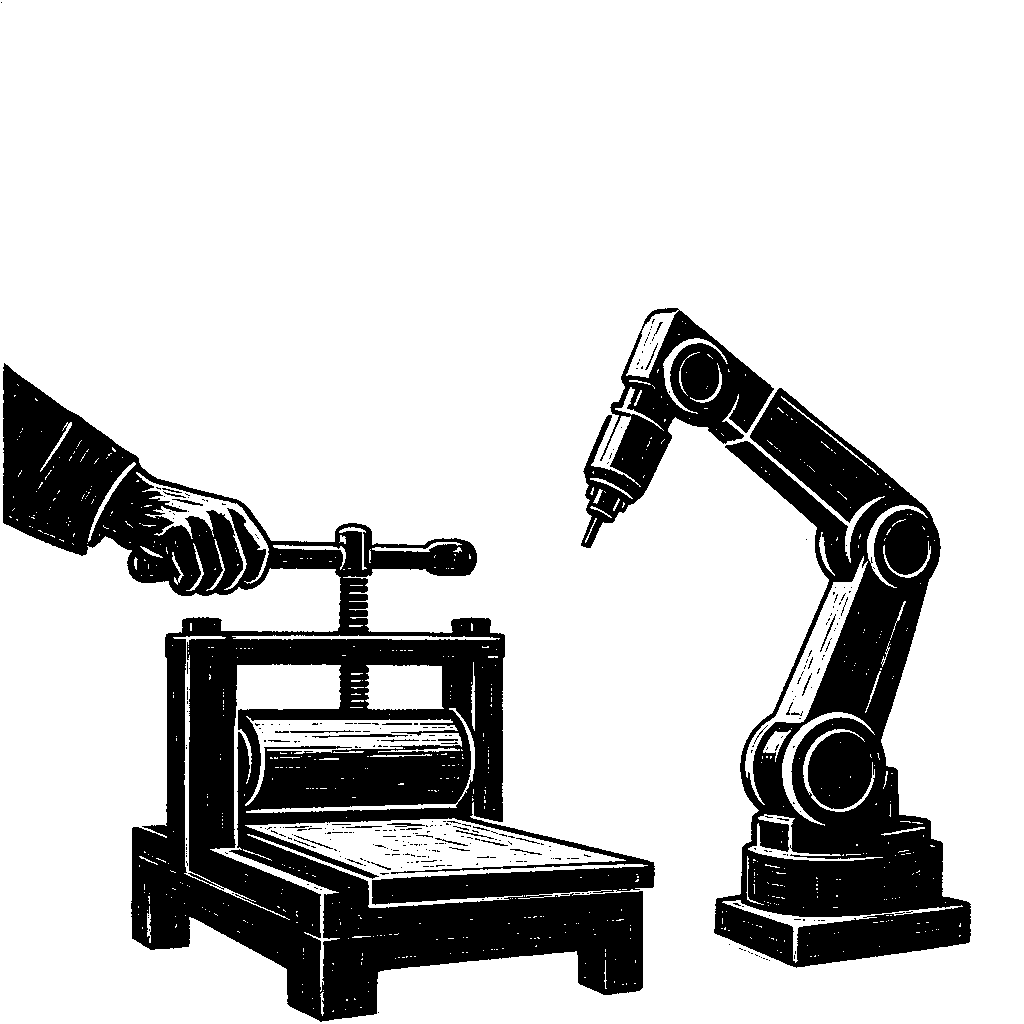
“AI did not decide. It did not make it a product by itself.”
The human hand stays on the press lever while the machine arm waits, showing the judgement stayed with the person.
AI did not decide. It did not make it a product by itself.
There were several iterations, as the code shows. A lot of preparation, testing and verification. And using it every day, the same way I used dbschema-markdown.
The good idea was already there in 2020. AI took away the distance between the idea and a product. The judgement stayed mine.
The same idea, six years apart
2020: dbschema-markdown
- SQL Server
- The schema as Markdown, into one blog
- One search box over every project
- Me and a few close colleagues
2026: dbtour
- SQL Server, Azure SQL and SQLite
- Markdown with diagrams, and one page
- An MCP server and a plugin for agents
- Anyone, from npm and GitHub
What it is now
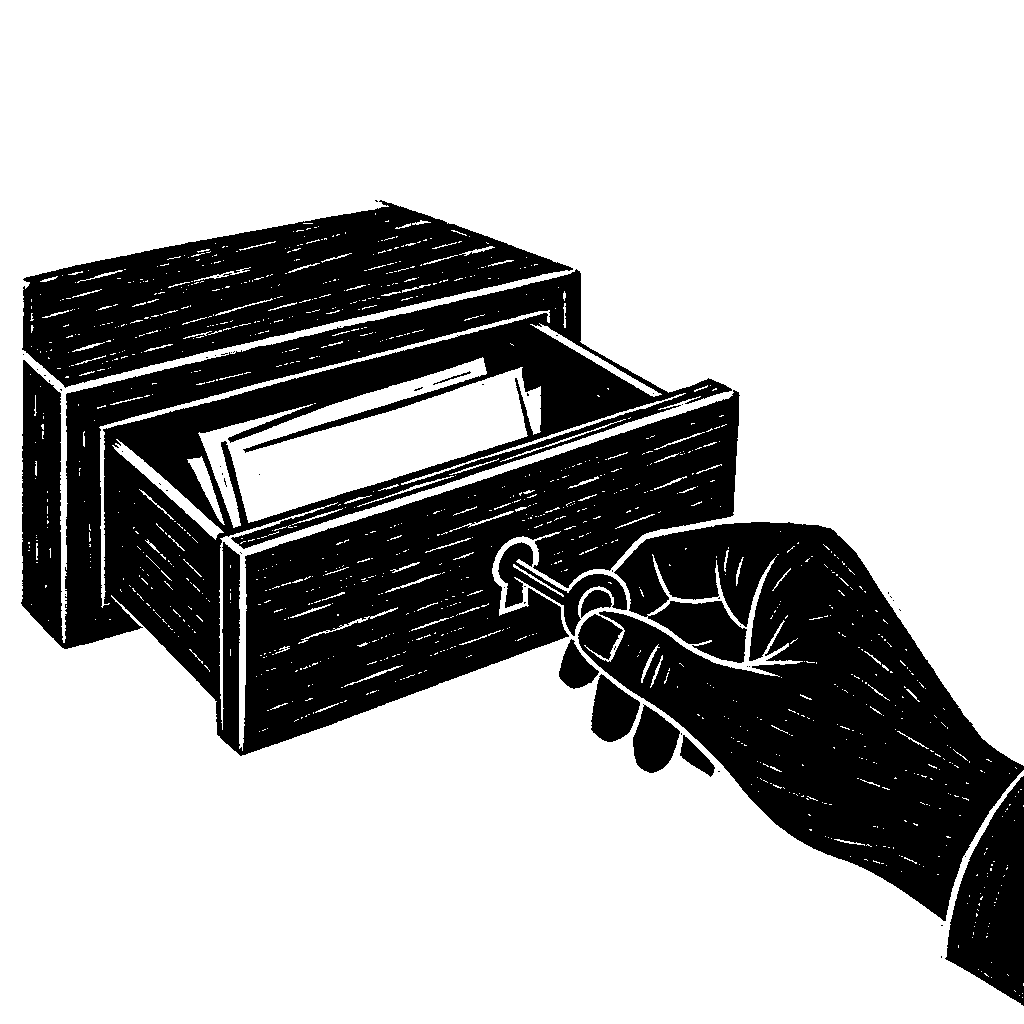
“Reading the data is your choice: give it a read-only login and it runs a SELECT, inside a transaction that is always rolled back.”
The key in the drawer lock shows data reached only when the person chooses to turn it, and only to look.
dbtour documents SQL Server, Azure SQL and SQLite databases today; PostgreSQL and MySQL follow its plan. Documenting needs only read access to the catalogue. Reading the data is your choice: give it a read-only login and it runs a SELECT, inside a transaction that is always rolled back. A SQLite file is opened read-only. Passwords go to the system’s keychain, never a file.
The day this post went up, it reached version 0.11.3. Three things changed since 0.11.0.
- The map answers a click. Click a table and a card says what it is: its rows and size, its columns and key, every relation in and out. From the card you open its page, write SQL from it, add its neighbours or copy it for an agent. Click a line and the card names the columns it joins, and writes the join for you.
- Several databases on one page. The page opens on a list of them. You choose one, read it alone, and switch from the side.
- A SQL Server on your own machine. One in Docker, or a developer’s own, can be set up now.
What dbtour reads, and what it leaves alone
Always: the catalogue
- Tables, columns and keys
- Relations and indexes
- Rows and size, as the database counts them
Only if you ask: the data
- Through a read-only login you give it
- A SELECT in a transaction, always rolled back
- A SQLite file opened read-only
- Passwords in the keychain, never a file
Try it
You do not have to install anything to see it.
- The live example: the page itself, with three databases on it. A made-up shop on SQL Server, and two well-known samples, Chinook and Northwind, as SQLite files.6
- The 30-second film: what it does with no setup.7
- The whole tour, a minute and a half with sound: the setup, the catalogue, a table’s page, the map, queries, and an agent asking over MCP, against a real SQL Server.8
How to start is on the dbtour page. The code is on GitHub, and every change is in the changelog.3
The message

“A good internal idea doesn't have to stay internal.”
The lantern, once kept inside the shed, is passed on from one hand to another, which is an internal idea shared outside.
It worked for me. Now it works for you.
 The origin
Written 18 November 2026, never edited. It starts like this:
TWhere did the database documentation tool start: which job, what pain, and roughly when? Can we name the company, or should it stay vague? we started with https://github.com/victorsaly/dbschema markdown a cli tool for markdown which was hooked to another blog to search schema of multiuple project database The pattern. You "always like to build for my internal usage." What usually…
Sources
- 1
dbschema-markdown, started in January 2020, a CLI that writes a SQL Server schema as Markdown
The repository, created 20 January 2020. Its README shows the command line, a SQL Server connection string, and writing the Markdown between comment markers in a file.
- 2
dbtour, started on 1 November 2026: structure from the catalogue, data only through a read-only login, Markdown with diagrams, one page, an MCP server, a Claude Code plugin and skill, SQL Server and SQLite, keychain
The repository, created 1 November 2026, with more than a hundred commits on main. Its README describes each feature the post names.
- 3
dbtour's page: what it is and how to start
Victor's own page for dbtour, titled "dbtour: schema docs for SQL Server and SQLite, for people and agents". The post links it as the place to start.
- 4
Version 0.11.0 on npm by 17 November
The package page. Version 0.11.0, published 17 November 2026, beside the SQL Server, SQLite, explorer and keychain packages.
- 5
The map answers a click; several databases on one page; a SQL Server on your own machine; 0.11.3 the day the post went up
The release notes for 0.11.1 (17 November), 0.11.2 and 0.11.3 (18 November), and npm shows 0.11.3 published 18 November 2026.
- 6
The live example: three databases on one page, a made-up shop on SQL Server, Chinook and Northwind as SQLite files
The page dbtour renders for its examples/several, on the web. The README links it as "try the live example".
- 7
- 8
The whole tour, a minute and a half with sound
The README lists what it shows: the setup, the catalogue, a table's page, the map, queries, and an agent asking over MCP, against a real SQL Server.
How this was made
The agents that worked on this post, read from its ledger, where every run is recorded as it happens and cannot be changed afterwards. Recorded since 18 November 2026.
- ImageDraw one linocut print per section that earns one, in the house style.
- VoiceRead the short version aloud in one steady voice and record when each word is spoken, so the page can follow along.
- SafetyRead everything about to leave, in every language, for hate, contempt or an attack, and hold it if found.
- SecurityCheck what is about to leave for other people’s data, secrets and internal links, and hold it if found.
5 agent runs recorded. How the agents work
After this thought
Walk the road for the whole piece, or open the original to see the note it all came from.